

The office copier is completely invisible until it jams. And it never happens when the office is quiet; it happens right when you are racing against the clock to finalize a client proposal, print a legal contract, or run a stack of invoices before close of business. Suddenly, that machine in the hallway is the only thing standing between you and a missed deadline.
If your business is expanding, those basic desktop printers just can’t keep pace anymore. The constant paper jams, slow speeds, and shocking price of retail ink cartridges are a massive drain on your time and budget.
To keep up, you need to step up to a dedicated office printer for sale—specifically, an a3 printer for sale built for rapid print speeds, high-volume document feeding, and handling larger media formats seamlessly.
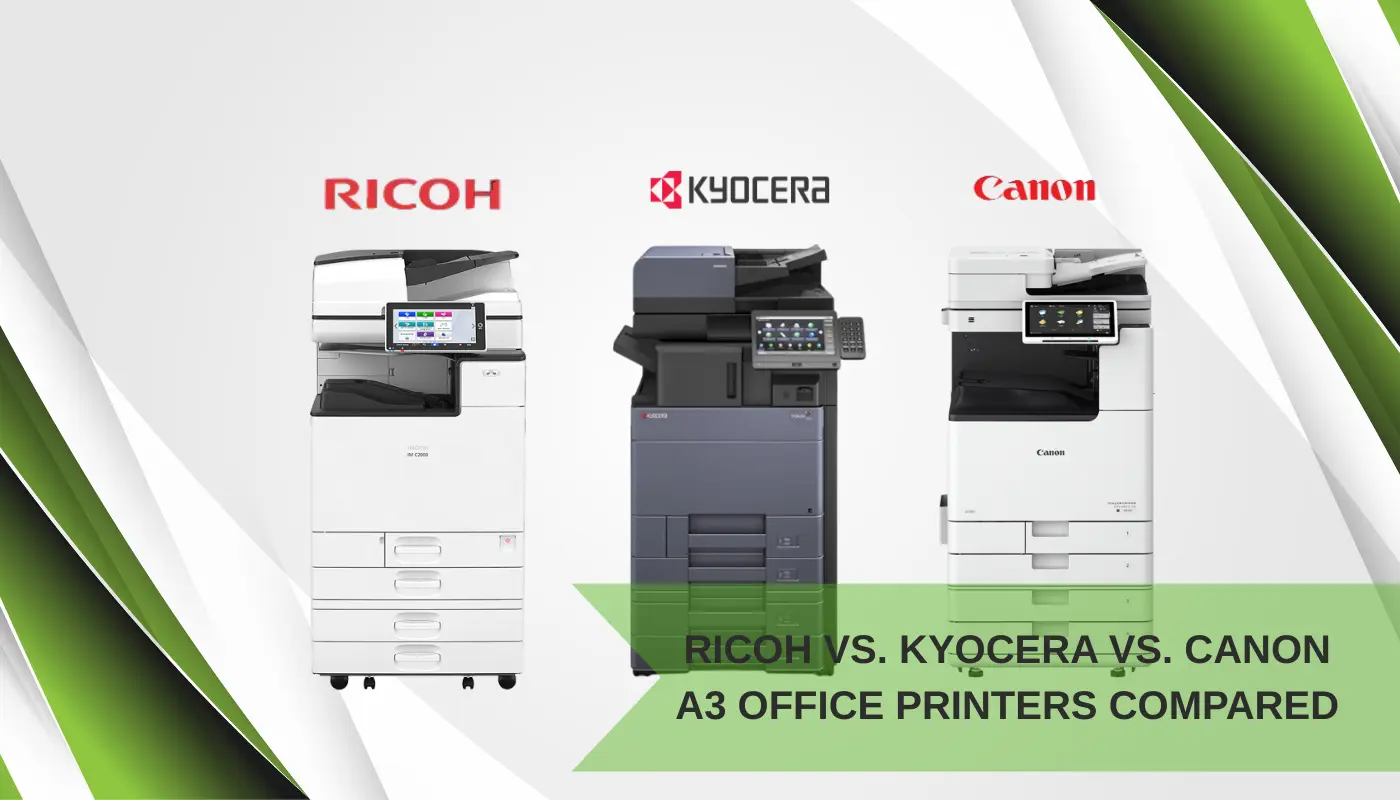
Choosing one isn’t easy, though. The market is flooded with conflicting specs and three dominant players: Ricoh, Kyocera, and Canon. Since every sales rep claims their brand is the absolute best, let’s skip the marketing spin and break down exactly how these three giants compare in the real world so you can make an informed choice for your office.
Kyocera: The Tough Workhorse That Keeps Costs Low
If your main goal is to keep your monthly printing costs as low as humanly possible, Kyocera is usually the first brand people will recommend to you.
To understand why Kyocera is so cheap to run, you have to look at how they build their machines. Most office printers use plastic imaging drums that wear out quickly. You end up having to replace these drums every 30,000 to 50,000 pages, which means calling in a technician, dealing with downtime, and paying for expensive replacement parts.
Kyocera decided to solve this problem differently. They build their TASKalfa and ECOSYS machines with ultra-durable, ceramic drums. Ceramic is incredibly tough—almost as hard as diamond. Because of this design choice, Kyocera’s drums easily last for 300,000 to 500,000 pages.
For most average offices, this means you will probably never have to replace the drum for the entire time you own the machine. The only thing you regularly need to buy and swap out is the toner cartridge itself.
- Who it’s for: High-volume offices, logistics hubs, schools, and any business that prints thousands of invoices, shipping labels, or black-and-white documents every single month and wants to pay the absolute minimum per page.
- The Big Plus: Extreme durability, very few maintenance headaches, and the lowest long-term running costs in the industry.
- The Trade-off: While Kyocera’s color printing is perfectly fine for standard business documents and spreadsheets, it does not have that ultra-vibrant, high-gloss look that you get from some competitors. It is built to be a reliable workhorse, not an art gallery printer.
Canon: The King of Beautiful Color and Easy Interfaces
If you walk into a creative agency, a high-end real estate office, an architecture studio, or a marketing firm, you will almost always see a Canon imageRUNNER sitting in the hallway. There is a very good reason for that.
Canon has spent decades perfecting color science. If your business regularly prints client-facing proposals, glossy marketing brochures, colorful floor plans, or design layouts, Canon is the gold standard. Their color laser printers produce deep, accurate, and incredibly rich colors that make your business documents look polished and professional.
On top of the beautiful print quality, Canon is highly praised for being incredibly user-friendly. The touchscreen on a modern Canon office printer looks and acts exactly like an iPad or a premium smartphone. It is highly intuitive, meaning your team won’t need a massive training session just to figure out how to scan a document to their email, make a double-sided copy, or print on a custom paper size.
- Who it’s for: Creative teams, marketing departments, real estate firms, and any business where presenting a premium, high-quality visual image to clients is critical.
- The Big Plus: Stunning color accuracy, a beautiful and easy-to-use touchscreen, and highly reliable paper handling.
- The Trade-off: Canon’s toner cartridges and official replacement parts tend to carry a higher price tag than Kyocera’s. Your ongoing cost per page will be slightly higher, but for many businesses, the professional output and lack of user frustration are well worth the premium.
Ricoh: The Speed Champion of Digital Workflows
Ricoh is a legendary name in the corporate world. If your office does a massive amount of scanning, digital archiving, and cloud filing, Ricoh is an absolute beast.
While many people think of copiers as machines that just put ink on paper, Ricoh focuses heavily on what happens to your documents after they are scanned. Their machines are built to bridge the gap between physical paper and digital files.
Ricoh A3 printers are incredibly fast. Many of their mid-to-high-range models feature single-pass document feeders, which scan both sides of a double-sided sheet of paper at the exact same time. This allows them to scan documents at speeds of over 200 images per minute.
Even better, Ricoh is highly customizable. You can set up custom, one-touch shortcut buttons directly on the home screen. For example, an employee can walk up to the machine, load a stack of documents, press a button labeled “Invoices to Cloud,” and the machine will automatically scan, organize, and upload those files directly to a specific folder on your office server, Google Drive, or SharePoint database.
- Who it’s for: Fast-paced corporate offices, law firms, accounting practices, medical clinics, and administrative teams that handle heavy scanning workloads and digital archiving.
- The Big Plus: Incredible scanning speeds, highly robust build quality, and powerful document workflow automation.
- The Trade-off: Because Ricoh machines are so customizable and feature-rich, the menus and setup process can feel a bit technical. It takes a little more time to get used to than a Canon, but once it is configured correctly, it is a powerhouse.
Why Buying Refurbished Makes Smart Business Sense
Investing in a brand-new A3 color laser printer can be a massive capital expense. For many small and medium-sized businesses, writing a huge check for a brand-new commercial copier just isn’t realistic.
This is why looking for a certified refurbished printer for sale has become a highly popular alternative.
A lot of people get nervous when they hear the word “refurbished,” picturing a dusty, beat-up machine that is going to break down on day two. However, a professional refurbishment process is very different from buying a random used machine off a classifieds site.
When a reputable supplier refurbishes an A3 copier:
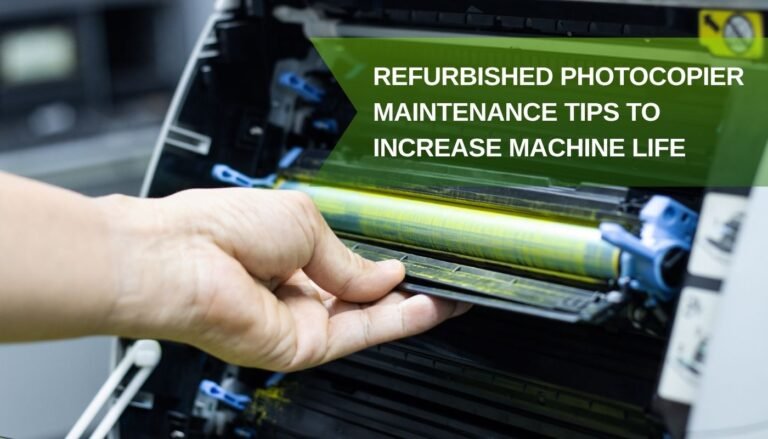
- The machine is completely stripped down, cleaned, and inspected by certified technicians.
- High-wear components—such as the rubber feed rollers that grab the paper, the fuser units that melt the toner, and the transfer belts—are replaced with brand-new parts.
- The system software is updated, and the machine goes through rigorous multi-point print and scan tests to ensure it runs like it just came off the factory line.
By opting for a certified refurbished A3 printer, your business can save anywhere from 50% to 60% off the original retail price while enjoying the exact same speed, quality, and reliability as a brand-new machine.
Which Brand Wins Your Battle?
At the end of the day, there is no single “perfect” printer brand, but there is a perfect brand for your specific office needs:
- Choose Kyocera if you want a reliable workhorse with the lowest possible running costs and you don’t mind standard color quality.
- Choose Canon if you want breathtaking color quality, a beautiful interface, and a machine that is incredibly easy for everyone in the office to use.
- Choose Ricoh if your business processes huge volumes of paper, relies heavily on fast scanning, and needs smart digital workflows to keep organized.
Ready to upgrade your office setup without breaking the bank? Explore our wide selection of high-performance office printers for sale, including high-yield A3 printers for sale and fully tested refurbished printers for sale at GreensWave. Let us help you find the perfect match for your business!