

High volume printing is a daily requirement in many offices, schools, warehouses, and corporate environments. When a business prints thousands of pages every month, a basic home printer simply cannot keep up. Frequent breakdowns, slow print speed, and high ink costs can affect productivity and increase expenses. That is why selecting the right printer for high volume printing is a smart business decision.
In this guide, you will learn how to choose a reliable, cost-effective, and durable printer that supports heavy workloads. We will also cover important features such as duty cycle, toner yield, print speed, connectivity, and total cost of ownership.
Understand Your Monthly Print Volume
Before purchasing any office printer, calculate how many pages your business prints each month. This helps you choose a machine with the right monthly duty cycle.
The duty cycle refers to the maximum number of pages a printer can handle in one month. Leading manufacturers like HP, Canon, Brother, Epson, Kyocera, and Xerox clearly mention this specification in their product details.
For long-term durability, your actual monthly usage should remain below the maximum duty cycle. For example, if your office prints around 8,000 pages per month, selecting a printer rated for 15,000 to 20,000 pages ensures better performance and fewer service issues.
Choosing the correct duty cycle protects your investment and reduces unexpected downtime.
Select the Right Type of Printer
Different printing technologies are designed for different workloads. For high volume office printing, laser printers are usually the most dependable option.
A laser printer is fast, efficient, and ideal for bulk black-and-white document printing such as invoices, contracts, reports, and shipping labels. Laser printers use toner cartridges, which last longer than standard ink cartridges and offer lower cost per page.
Businesses that require regular color printing may consider a color laser printer. It provides professional-quality output at high speeds and is suitable for presentations and marketing materials.
Ink tank printers from brands like Epson and Canon are also popular in schools and design environments. They offer economical color printing and refillable ink systems. For extremely heavy office workloads, enterprise laser printers remain the preferred choice.
Many organizations also benefit from a multifunction printer (MFP). These devices combine printing, scanning, copying, and faxing into one system. Enterprise MFP models from Kyocera and Xerox are built for continuous performance and centralized document management.
Focus on Print Speed and Performance
Speed is critical in high volume printing environments. Print speed is measured in pages per minute (PPM). A small office may operate efficiently with a 30 PPM printer, while a larger corporate department may require 45 to 70 PPM.
When multiple employees depend on one shared office printer, delays can reduce productivity. A high speed laser printer ensures documents are ready quickly, keeping workflow smooth and professional.
Businesses searching online often look for terms like “heavy duty printer for office” or “fast office laser printer.” These features directly influence operational efficiency.
Evaluate Cost Per Page and Toner Yield
The purchase price of a printer is only part of the investment. The real expense comes from consumables and maintenance over time. That is why understanding cost per page is essential.
High yield toner cartridges significantly reduce printing expenses. Standard toner may produce 2,000 to 3,000 pages, while high capacity toner cartridges can print 8,000 to 20,000 pages or more.
Using genuine consumables from trusted brands such as HP or Brother maintains print quality and protects internal components. Many businesses also choose high-quality compatible toner cartridges to further reduce operational costs.
In high volume printing environments, lower cost per page results in substantial long-term savings.
Consider Paper Handling and Duplex Printing
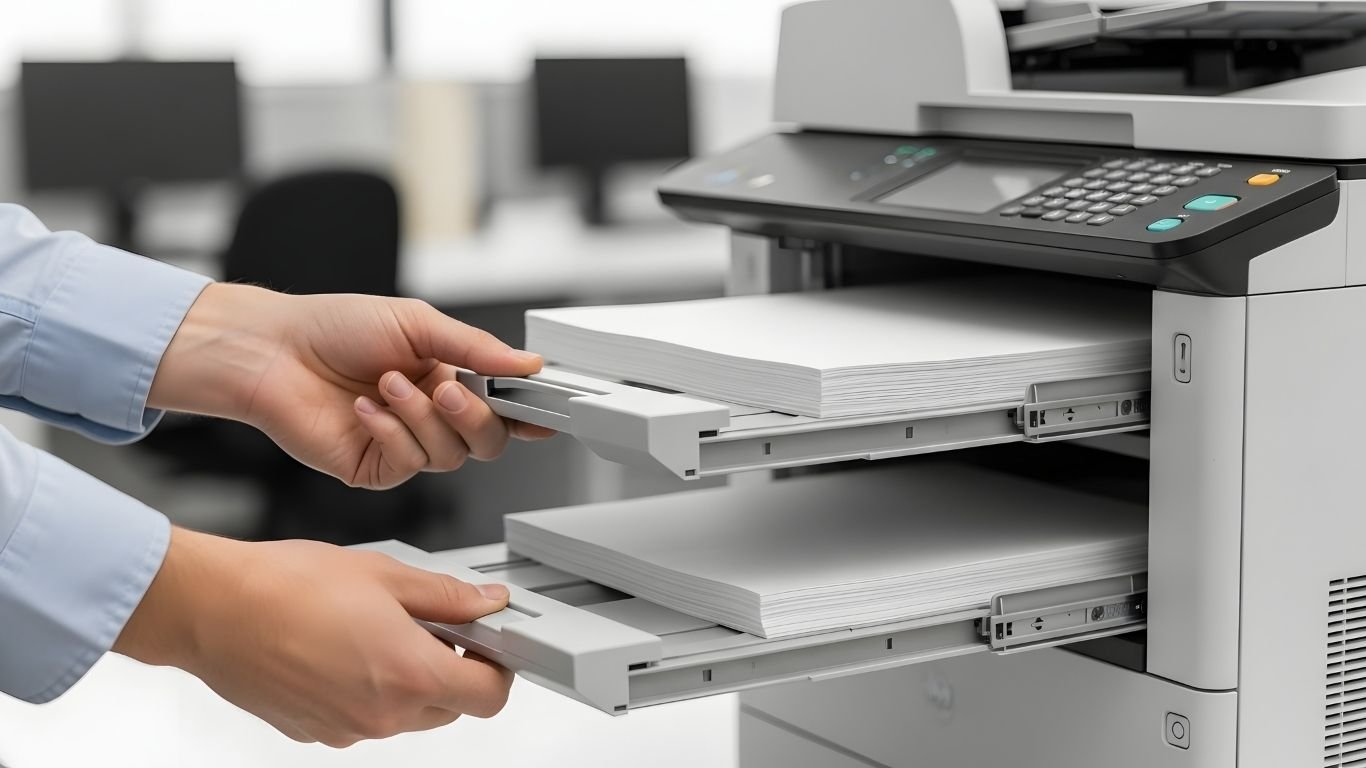
Frequent paper refilling interrupts workflow. A printer designed for heavy use should include large input trays, ideally holding 500 sheets or more. Some enterprise models allow additional paper trays for increased capacity.
Automatic duplex printing is another valuable feature. It prints on both sides of the paper, reducing paper consumption and supporting eco-friendly office practices. Over time, this feature lowers supply costs and improves efficiency.
Strong paper handling systems prevent jams and ensure consistent performance during long print jobs.
Connectivity and Network Integration
Modern offices depend on shared network printing. A high volume business printer should support Ethernet connectivity, WiFi, and mobile printing options.
Network printers allow multiple users to send print jobs from different devices without connecting directly via cable. Many advanced printers also support cloud printing and integration with document management software.
Reliable connectivity enhances collaboration and simplifies IT management in busy workplaces.
Reliability and Build Quality
Durability is a key factor when choosing a heavy duty office printer. Enterprise printers are built with stronger internal components designed for continuous operation.
For example, Kyocera is known for long-life drum technology that reduces maintenance frequency. Xerox focuses on advanced document processing and corporate-grade reliability.
Checking warranty coverage, availability of spare parts, and local service support ensures peace of mind. A dependable printer minimizes downtime and keeps your business running smoothly.
Energy Efficiency and Security Features
Energy-efficient printers help reduce electricity consumption. Features like automatic sleep mode and power saving settings lower operating expenses over time.
Security is equally important in professional environments. Many business printers offer secure print release, PIN code printing, and user authentication. These features protect confidential documents and support data security policies.
For companies handling sensitive information, printer security should never be overlooked.
New or Refurbished High Volume Printers
Some businesses prefer refurbished enterprise printers to reduce upfront investment. Professionally refurbished models from Kyocera and Xerox provide excellent durability at a lower cost.
Refurbished high volume printers are ideal for startups and growing companies looking for performance without high capital expenditure. Ensure the supplier offers warranty and proper quality testing.
Conclusion
Selecting the right printer for high volume printing requires careful evaluation of your monthly print volume, duty cycle, speed, toner yield, connectivity, and total cost of ownership. A reliable laser printer or multifunction printer from trusted brands such as HP, Canon, Brother, Kyocera, or Xerox ensures long-term productivity and cost efficiency.
If your business in Abu Dhabi depends on large-scale document printing, investing in a heavy duty office printer is a strategic decision that supports growth and operational stability.
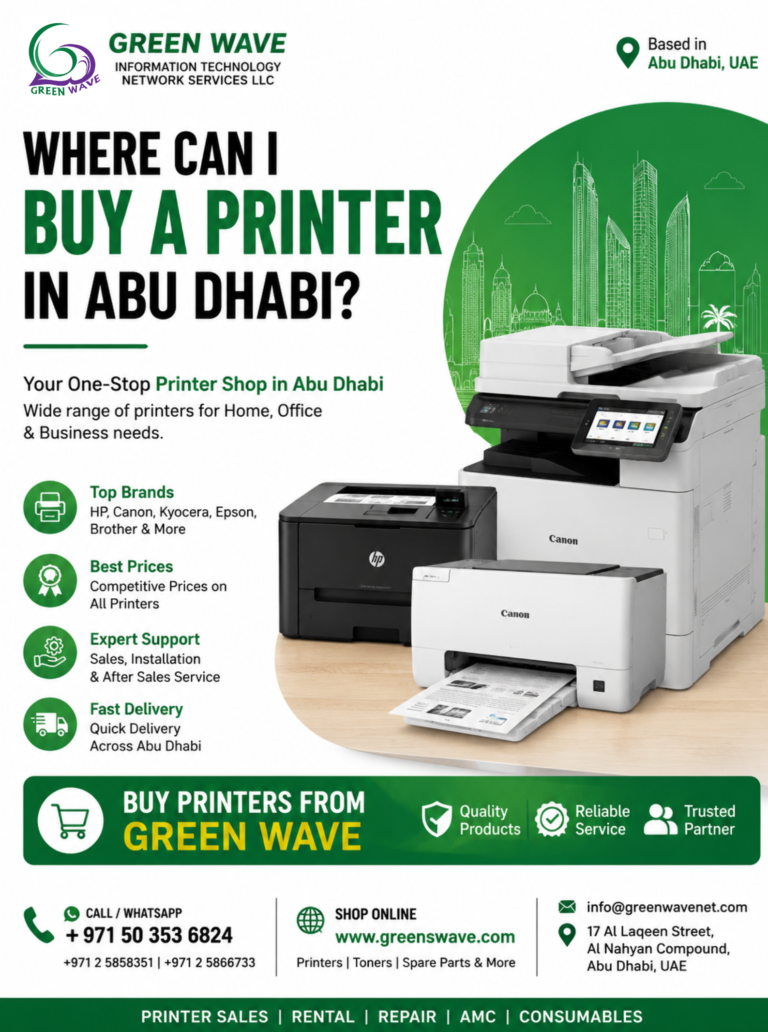
At Green Wave Information Technology, we specialize in supplying high volume laser printers, multifunction printers, genuine toner cartridges, compatible printer consumables, and refurbished business printers in Abu Dhabi. Our expert team is ready to help you choose the ideal printing solution tailored to your office requirements.