
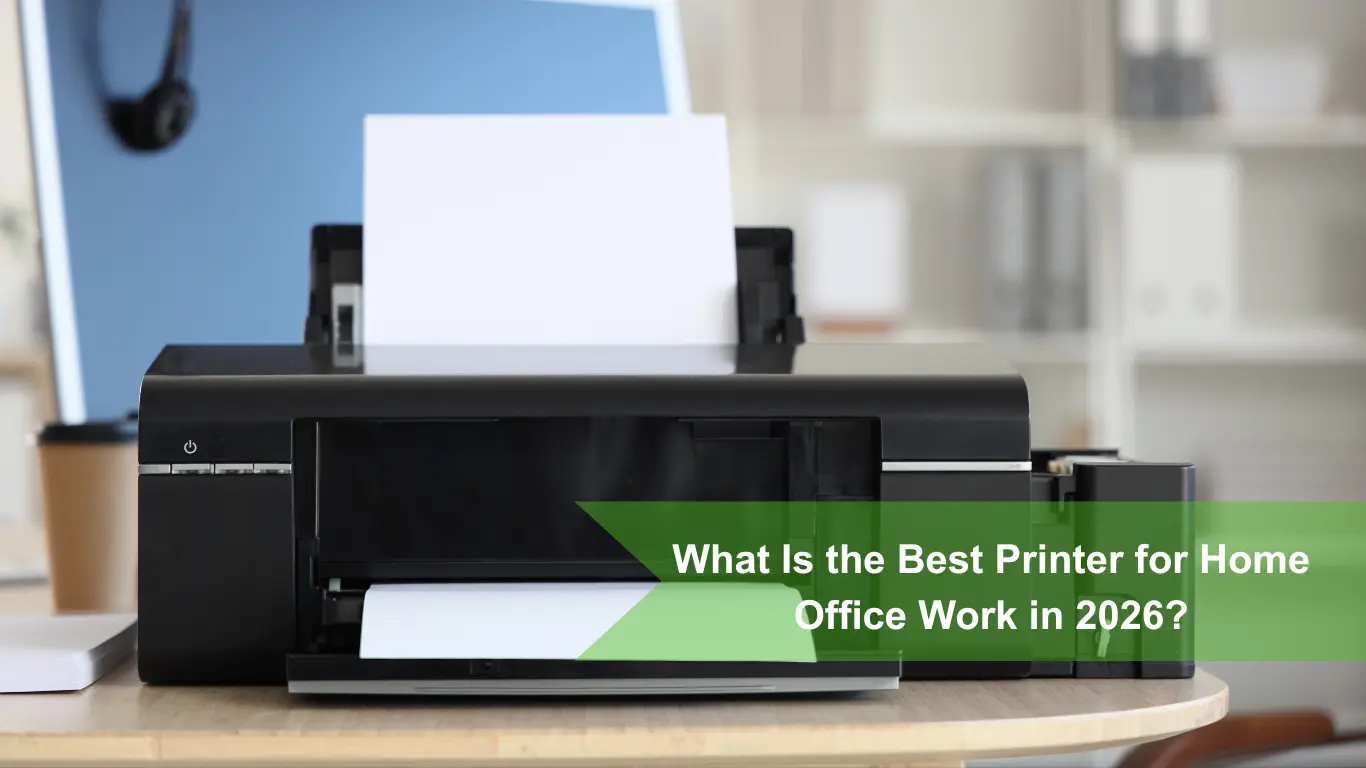

What Is the Best Printer for Home Office Work in 2026?
Let’s be honest: nobody loves shopping for a printer. Most of the time, we only think about them when they stop working—like when a document comes out blurry right before a big deadline, or the Wi-Fi suddenly disconnects for no reason.
If you are working from home, you need a machine that just works. You don’t want to waste time fixing jams or spending a fortune on tiny ink cartridges every few weeks.
So, what is the best printer for office work at home today? Let’s look at how printer technology has improved and break down the top choices for your desk.
Laser vs. Ink Tank: The Big Choice
If you haven’t bought a printer in a few years, the biggest news is that old-fashioned, expensive ink cartridges are mostly gone for busy home offices. Today, your choice comes down to two much better options:
Ink Tank Printers
Instead of small plastic cartridges, these printers have large built-in tanks. When you run low, you just buy a bottle of ink and pour it straight in.
- The Benefit: One set of ink bottles can print up to 6,000 black pages and 7,500 color pages. This makes printing color charts, documents, and designs incredibly cheap.
- Best For: People who need to print a lot of color documents every single week.
Laser Printers
Laser printers don’t use liquid ink at all. Instead, they use a dry powder called toner and heat to press sharp text onto the paper.
- The Benefit: They are lightning-fast and never clog. Even if you leave the printer off for two months while you travel, it will print perfectly on the first try when you come back.
- Best For: People who mostly print black-and-white text like contracts, invoices, and spreadsheets.
The Top Printer Models for 2026
Here are the most reliable models on the market right now, depending on what you need them to do:
Brother HL-2460DW XL (Best for Black & White Text)
If 95% of what you print is text, this is the ultimate workhorse. It only prints in black and white, but it does it incredibly well.
- Why it’s great: It prints around 35 pages per minute, rarely jams, and comes with enough toner in the box to last for thousands of pages.
- Keep in mind: This model only prints. It doesn’t have a glass top to scan or copy pages.
Epson EcoTank ET-3850 (Best for High-Volume Color)
If you need to print, scan, and copy in color without worrying about the cost of ink, this ink tank model is a fantastic choice.
- Why it’s great: It comes with up to two years’ worth of ink right in the box. It also has an Automatic Document Feeder (ADF) on top, meaning you can stack 30 pages of a document and it will scan them all into a single PDF automatically.
- Keep in mind: The initial price to buy the printer is a bit higher upfront, but you save massive amounts of money over time because the refill ink bottles are so cheap.
HP OfficeJet Pro 9125e (Best for Heavy Scanning and Cloud Work)
If your job relies heavily on scanning physical paperwork directly to online folders like Google Drive or OneDrive, this smart printer is built for you.
- Why it’s great: It has an excellent, easy-to-use color touchscreen. It can scan both sides of a page automatically and connects seamlessly to your phone or laptop using very secure Wi-Fi software.
- Keep in mind: It uses traditional cartridges, so it is best to sign up for HP’s instant ink plans to keep your monthly running costs predictable.
3 Quick Tips to Avoid the Wrong Purchase
- Don’t buy liquid ink if you rarely print: If you only print once a month, liquid ink can dry out and clog the machine. For occasional printing, a black-and-white laser printer is always the safer bet.
- Check the printer’s actual size: Printers can look small in online pictures. Make sure to check how much space it takes up when the paper trays are fully opened and pulled out.
- Look for mobile printing: Make sure the printer explicitly says it supports Apple AirPrint or Mopria (Android) so you can print directly from your phone without downloading annoying apps.
Conclusion: Where is the Best Place to Buy Online?
Choosing the best printer for office work is all about knowing what you print most. If you print mostly text, go with a laser. If you need low-cost color, go with an ink tank.
Once you know which model you want, the next step is buying from a reliable source. While giant global retail websites often give you zero customer support and slow shipping, buying from local tech experts makes the process completely stress-free.
For home offices and businesses looking to buy a printer online with fast, reliable service, Green Wave Information Technology is your best option.
Why Choose Green Wave Information Technology?
- Great Selection of Top Brands: They stock the best models from trusted names like Brother, Epson, HP, Canon, and Kyocera, giving you access to both brand-new and certified pre-owned options.
- Local Delivery and Setup Support: Because they operate directly within the UAE, you get fast delivery and access to local experts who can help you set up or maintain your machine if you ever run into a technical issue.
- Genuine Refills in Stock: You never have to guess where to find the right replacement ink bottles or toner cartridges down the road—they keep genuine supplies ready to ship.
Skip the generic online marketplaces and get your next home office printer from a team that actually stands behind their hardware. Check out the available models and upgrade your workspace today by visiting Green Wave Information Technology.