

How to Choose the Right Office Printer in Abu Dhabi
Choosing the right office printer is an important decision for any business. The printer you select can affect your daily productivity, printing costs, document quality, and even the time your team spends managing office tasks.
If you are looking for an office printer in Abu Dhabi, there are many options available, from compact A4 laser printers to high-performance A3 multifunction printers. The right choice depends on how much your office prints, what type of documents you handle, and which features your team actually needs.
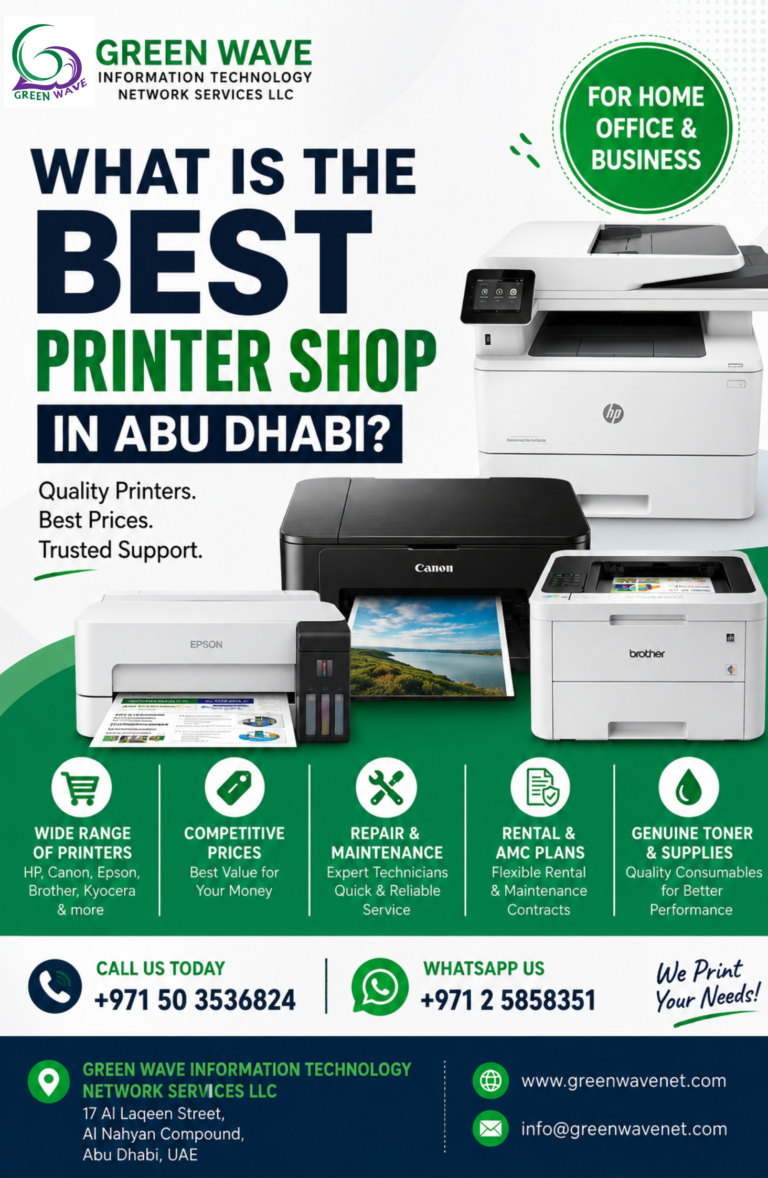
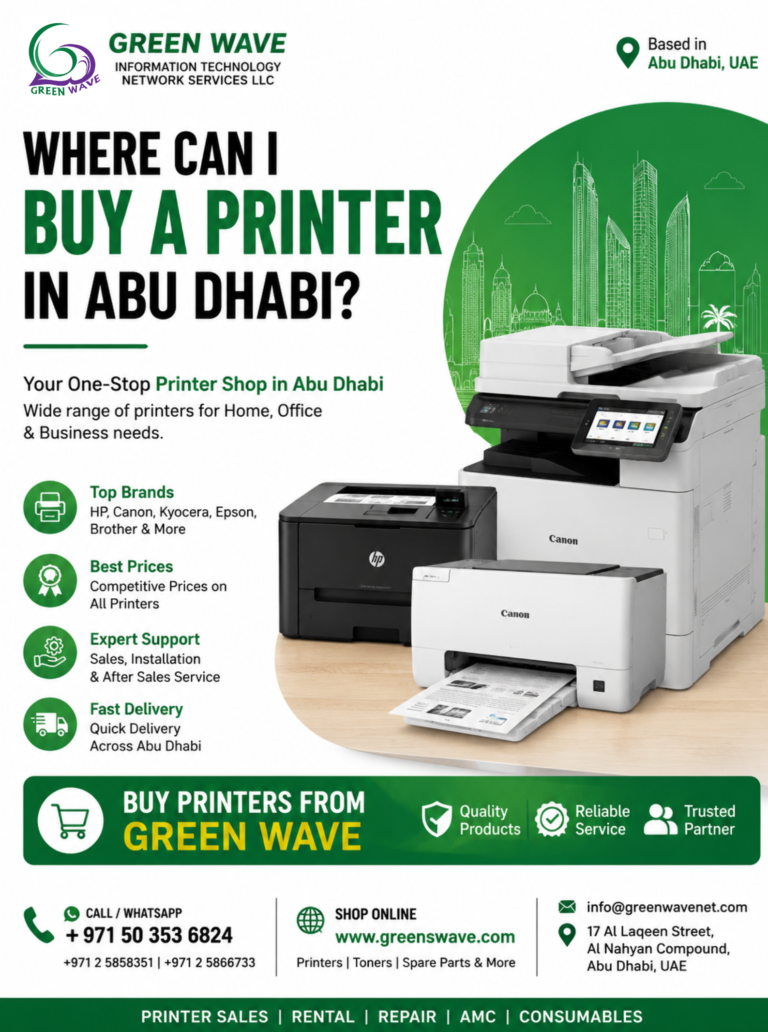
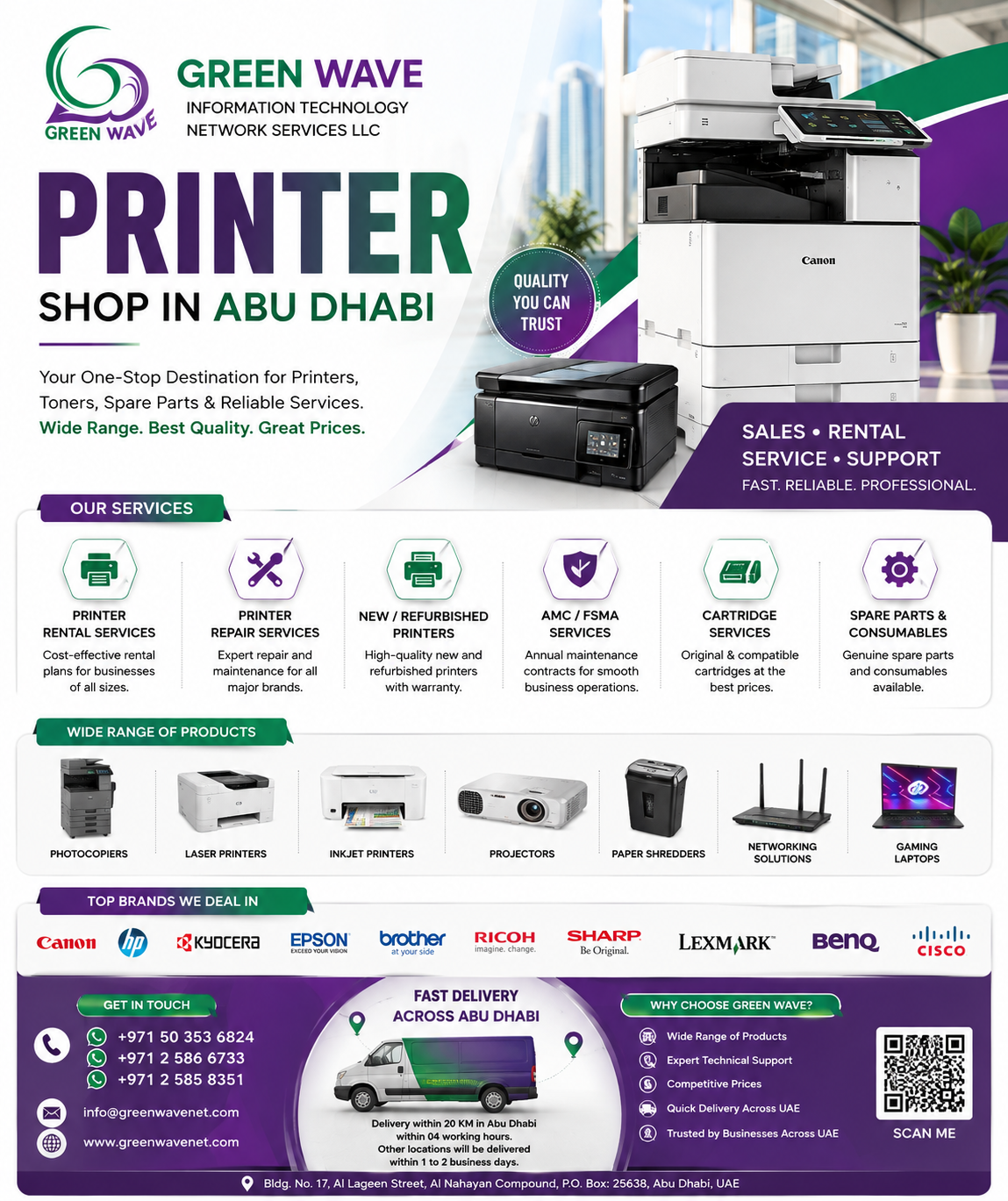
At Greenswave, we offer a wide range of printers from leading brands such as HP, Canon, Brother, Epson, Kyocera, Ricoh, Sharp, Konica Minolta, and Triumph Adler. Our range includes laser printers, inkjet printers, multifunction printers, A3 and A4 printers, and refurbished printers.
Here are the most important factors to consider before buying an office printer in Abu Dhabi.
What should I consider when buying an office printer?
When choosing an office printer, consider your monthly print volume, required print speed, color or monochrome needs, paper sizes, multifunction features, connectivity, toner costs, warranty, and after-sales support. Businesses should also compare the printer’s total cost of ownership, including consumables, maintenance, and repairs, rather than focusing only on the initial purchase price.
1. Understand Your Office Printing Requirements
Start by looking at how your office uses its printer.
Ask yourself:
- How many pages do you print each month?
- Do you mainly print black-and-white documents or colour documents?
- Do you need scanning and copying?
- Do employees print from computers, smartphones, or tablets?
- Do you need A4 or A3 printing?
- How much space is available for the printer?
- What is your budget for the printer and ongoing consumables?
A small office with limited printing requirements may only need a compact A4 laser printer. A larger company handling thousands of pages every month may benefit from a high-volume multifunction printer.
Understanding your actual printing requirements before purchasing can help you avoid paying for features you don’t need or choosing a printer that cannot handle your workload.
2. Choose Between Inkjet and Laser Printers
One of the first decisions is whether your office needs an inkjet or laser printer.
Inkjet Printers
Inkjet printers are a good option when colour quality is important. They can be suitable for businesses that regularly print images, marketing materials, graphics, and other colour documents.
They are also useful for offices with moderate printing requirements.
Laser Printers
Laser printers are generally better suited to offices that print large volumes of documents. They offer fast printing speeds and are particularly useful for text-heavy documents such as invoices, reports, contracts, and business correspondence.
For many offices with regular document printing, a laser printer can provide a practical balance between speed, reliability, and running costs.
| Printer Type | Best For | Main Benefit |
| Inkjet | Home & light use | Good colour printing |
| Laser | Offices | Fast and efficient |
| Color Laser | Business documents | Professional colour output |
| MFP | Offices | Print, scan and copy |
| A3 MFP | Larger businesses | Large-format printing |
Large-format printing
| Feature | Inkjet | Laser |
|---|---|---|
| Best for | Home & light use | Offices |
| Printing speed | Moderate | Fast |
| Color printing | Excellent | Very good |
| High-volume printing | Less suitable | Suitable |
| Consumables | Ink cartridges | Toner cartridges |
| Best use | Photos & occasional printing | Documents & business printing |
3. Consider Your Monthly Print Volume
Print volume is one of the most important factors when choosing an office printer.
If your business prints only a few hundred pages each month, a basic office printer may be enough. However, if your team prints thousands of pages every month, you should choose a model designed for high-volume workloads.
Check the printer’s:
- Recommended monthly print volume
- Maximum monthly duty cycle
- Print speed
- Paper capacity
- Toner or ink yield
Choosing a printer that matches your workload can help reduce frequent paper loading, maintenance problems, and unnecessary downtime.
4. Check the Printing Speed
Printing speed is especially important in busy offices.
Printer speed is usually measured in pages per minute (PPM). If several employees regularly use the same printer, a faster model can help reduce waiting time.
For example:
- Small office: A moderate-speed printer may be sufficient.
- Medium office: Consider a faster network printer.
- Large or high-volume office: A high-speed multifunction printer may be more suitable.
Don’t choose a printer based on speed alone. Make sure the speed, print quality, paper handling, and duty cycle all match your requirements.
What is Printer AMC?
A Printer AMC (Annual Maintenance Contract) is a service agreement that provides regular maintenance and technical support for printers during a defined contract period. It can include preventive maintenance, troubleshooting, repairs, and selected replacement services, helping businesses reduce printer downtime and maintain reliable printing operations.
5. Decide Between A4 and A3 Printing
Paper size is another important consideration.
A4 Printers
A4 printers are suitable for everyday office documents such as:
- Invoices
- Letters
- Reports
- Contracts
- Forms
- General business documents
They are usually more compact and can be a good choice for small and medium-sized offices.
A3 Printers
A3 printers are useful when your business needs to print larger documents such as:
- Posters
- Drawings
- Charts
- Brochures
- Presentations
- Architectural documents
If your office regularly works with larger documents, an A3 multifunction printer may be a better long-term investment.
6. Consider a Multifunction Printer
If your office needs printing, scanning, copying, and other document functions, consider a multifunction printer (MFP).
Instead of purchasing separate machines, an MFP combines multiple functions into one device. This can save office space and simplify document workflows.
A multifunction printer can be particularly useful for:
- Corporate offices
- Schools
- Government offices
- Real estate companies
- Construction companies
- Accounting firms
- Law offices
- Small and medium-sized businesses
Greenswave offers multifunction printers from brands including Canon, Kyocera, Ricoh, Sharp, Konica Minolta, HP, and others.
What is an MFP printer?
An MFP (multifunction printer) combines printing, scanning and copying in one device. Businesses often use MFPs to save office space, simplify document workflows and reduce the need for separate machines. Depending on the model, an MFP may also support features such as automatic document feeding, network printing and mobile connectivity.
7. Look at Connectivity Options
Modern offices often have multiple employees using the same printer.
Before purchasing, check whether the printer supports the connectivity options your team needs.
Useful features include:
- Wi-Fi
- Ethernet/network printing
- USB
- Mobile printing
- Cloud printing
- Smartphone and tablet connectivity
For a shared office printer, network connectivity is particularly important because multiple employees can access the same device.
8. Check Duplex Printing and Automatic Document Feeder
Small features can make a big difference to everyday office productivity.
Automatic Duplex Printing
Duplex printing allows the printer to automatically print on both sides of the paper. This can reduce paper usage and make documents easier to manage.
Automatic Document Feeder
An ADF allows users to scan or copy multiple pages without manually placing each page on the scanner.
For offices that frequently scan contracts, invoices, forms, or multi-page documents, an ADF can save considerable time.
9. Calculate the Total Cost of Ownership
Don’t look only at the purchase price.
A printer that costs less initially may become expensive if its toner or ink cartridges are costly.
Before buying, consider:
- Printer price
- Toner or ink cost
- Cartridge page yield
- Replacement parts
- Maintenance
- Electricity consumption
- Warranty
- Repair and service costs
The cost per page is particularly useful when comparing printers for regular office use.
For businesses with high printing volumes, choosing a printer with high-yield toner can help control long-term printing expenses.
Should I Buy, Rent or Lease a Printer?
| Option | Best For | Main Advantage |
|---|---|---|
| Buy | Long-term use | Own the equipment |
| Rent | Temporary projects | Lower commitment |
| Lease | Businesses | Spread equipment costs |
10. Check Toner, Ink and Spare Parts Availability
Before buying an office printer in Abu Dhabi, make sure the required consumables and spare parts are readily available.
Important items include:
- Toner cartridges
- Ink cartridges
- Drum units
- Fuser units
- Maintenance kits
- Printer spare parts
Local availability can make maintenance easier and reduce downtime when consumables need to be replaced.
Greenswave provides printer consumables and spare parts for many major printer brands, helping businesses keep their equipment running efficiently.
11. Think About Printer Security
If your office handles confidential information, printer security should not be overlooked.
Business printers may support features such as:
- Secure print
- PIN-based document release
- User authentication
- Network security
- Data protection
- Access controls
These features can help protect sensitive documents and prevent confidential information from being left unattended at the printer.
12. Consider New or Refurbished Printers
Your budget doesn’t necessarily mean you have to compromise on performance.
A new printer can provide the latest features, technology, and manufacturer warranty.
A quality refurbished printer can be a cost-effective alternative, particularly for businesses looking for higher-end office equipment at a lower initial price.
When considering a refurbished printer, check:
- Printer condition
- Print quality
- Page count
- Warranty
- Availability of spare parts
- Service support
- Toner availability
Greenswave offers new and refurbished printer options for different business requirements and budgets.
13. Choose a Printer Brand That Fits Your Business
Different printer brands offer different technologies and product ranges.
Some popular options for offices include:
HP: Suitable for a wide range of small and medium-sized office requirements.
Canon: Offers compact printers as well as advanced multifunction office systems.
Brother: Known for practical printers and multifunction devices for small and medium-sized businesses.
Epson: Offers inkjet and business printing solutions, including models designed for efficient colour printing.
Kyocera: Well known for business-oriented multifunction printers and high-volume printing.
Ricoh: Offers professional office printing and multifunction solutions.
Sharp: Provides A3 and multifunction office printers designed for business environments.
The best brand is ultimately the one that matches your printing volume, document requirements, budget, and service expectations.
14. Don’t Forget After-Sales Support
Buying the printer is only the beginning.
A reliable local supplier can provide support with:
- Installation
- Printer configuration
- Network setup
- Troubleshooting
- Maintenance
- Repairs
- Toner replacement
- Spare parts
For businesses that depend heavily on printing, local technical support can help reduce downtime and keep daily operations running smoothly.
Which Office Printer Is Right for You?
There is no single printer that is perfect for every business.
| Office Requirement | Recommended Printer Type |
| Occasional document printing | Compact A4 printer |
| Small office | A4 laser multifunction printer |
| High-volume black-and-white printing | Business monochrome laser printer |
| Regular colour printing | Colour laser or business inkjet |
| Printing, scanning and copying | Multifunction printer |
| Large documents and presentations | A3 multifunction printer |
| High-volume corporate printing | Heavy-duty multifunction printer |
| Limited budget | Refurbished office printer |
Do you provide printer repair and maintenance?
Yes. We provide printer repair and maintenance services in Abu Dhabi for a wide range of printer and photocopier brands.
Our services include:
- 🖨️ Printer & photocopier repair
- 🔧 Preventive maintenance
- 🛠️ Printer AMC (Annual Maintenance Contracts)
- 🧩 Spare parts replacement
- 🖋️ Toner and consumables support
- ⚙️ Troubleshooting for printing, scanning, paper jams, network, and connectivity issues
- 🏢 On-site service for offices and businesses
We support brands such as Canon, HP, Kyocera, Ricoh, Brother, Epson, Konica Minolta, Sharp, UTAX, and Triumph Adler.
Do you rent or lease printers?
Yes, Green Wave Information Technology provides printer rental and leasing services in Abu Dhabi for businesses, offices, schools, and organizations. Whether you need a printer for a short-term project or a long-term office requirement, we can help you choose a solution based on your printing volume, budget, and business needs.
Our printer rental and leasing services can include suitable printers and multifunction devices, installation, maintenance, technical support, and consumables depending on the selected plan.
We offer solutions for office printers, multifunction printers (MFPs), and photocopiers from leading brands such as Canon, HP, Kyocera, Ricoh, Brother, Epson, Konica Minolta, Sharp, UTAX, and Triumph Adler.
If you are looking for printer rental or printer leasing in Abu Dhabi, contact Green Wave Information Technology to discuss the right solution for your business.
Why Choose Greenswave for Office Printers in Abu Dhabi?
Choosing the right printer is easier when you have access to the right products and professional guidance.
At Greenswave, you can explore a wide selection of office printers, multifunction printers, laser printers, A3 and A4 printers, printer consumables, and spare parts. We work with major brands and provide solutions for businesses with different printing volumes and budgets.
Whether you are setting up a new office, replacing an existing printer, or upgrading your document workflow, our team can help you find a suitable printing solution.
Final Thoughts
Choosing the right office printer in Abu Dhabi should be based on more than the purchase price. Consider your monthly print volume, printing speed, paper size, colour requirements, connectivity, multifunction features, running costs, consumables, and after-sales support.
For a small office, a compact A4 laser printer may be enough. For a growing business, a multifunction printer can provide printing, scanning, and copying in one device. Businesses with heavy workloads may benefit from a high-volume A3 or A4 multifunction printer.
Take the time to compare your requirements before making a purchase. The right printer can improve productivity, reduce printing costs, and make everyday office tasks much easier.
Looking for the right office printer in Abu Dhabi? Explore the range of printers and multifunction devices available at Greenswave and find a solution that fits your business needs and budget.